
Starting Out in Design in 2026: A Roadmap
If you are starting out in design right now, you are entering the field at the strangest and most exciting moment it has ever had.
AI can produce a decent-looking interface in seconds. Agents are starting to use websites on behalf of people. And yet, because the barrier to building something beautiful has dropped so far, a poorly designed website has never looked worse by comparison. When anyone can ship something polished, shipping something clumsy is no longer forgivable.
So designers are not becoming less necessary. The job is changing shape. This is the roadmap I would give a friend starting today, the order I would learn things in, and the projects I would take on.
Is Product Design the Field for You?
Product design suits people who are more interested in why something works than in how it looks. You will spend more time on problems than pixels: understanding users, untangling flows, arguing about edge cases, and making trade-offs with engineers and product managers.
It is probably a good fit if you:
- Notice when an app is confusing, and want to know why.
- Enjoy explaining your decisions, and changing them when someone has a better argument.
- Like both the creative and the systematic side: taste and structure.
- Are comfortable with tools changing under your feet every year.
If you mainly love making beautiful images, brand, illustration or motion design may suit you better. Those are great careers too. Just know the difference before you start.
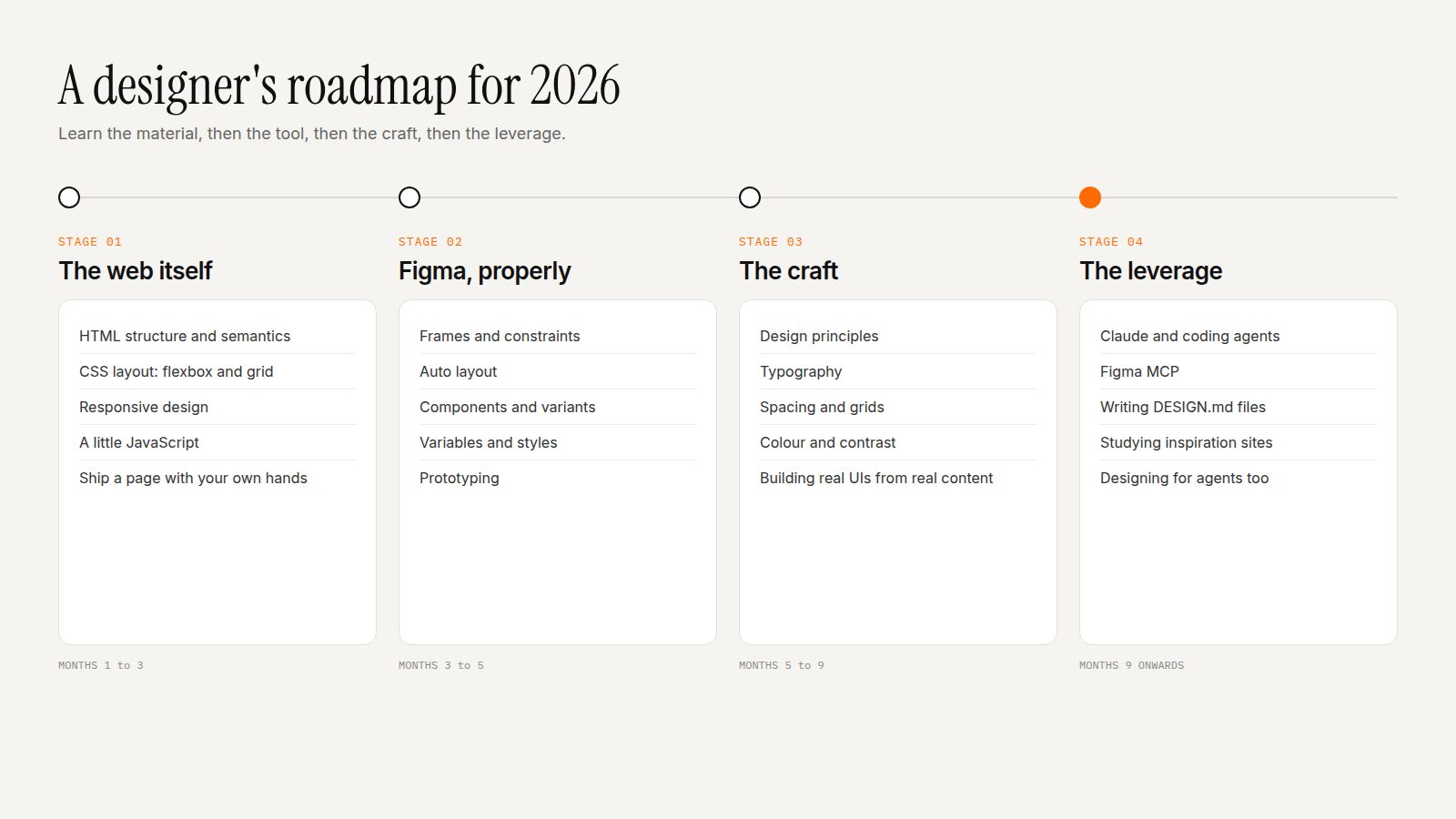
Stage 1: Learn the Material (HTML, CSS, a Little JavaScript)
This is the advice that surprises people: learn to build before you learn Figma.
The web is the material we design with. When you understand how HTML structures content, how CSS flexbox and grid actually lay things out, and how a page responds to different screen sizes, your designs become buildable by default. You stop drawing layouts that cannot exist. You understand why an engineer pushes back. And, crucially for 2026, you can read and adjust the code your AI tools generate instead of accepting whatever they give you.
You do not need to become a developer. Aim to build and publish a simple personal site by hand. MDN's free Learn web development curriculum is the best place to start.
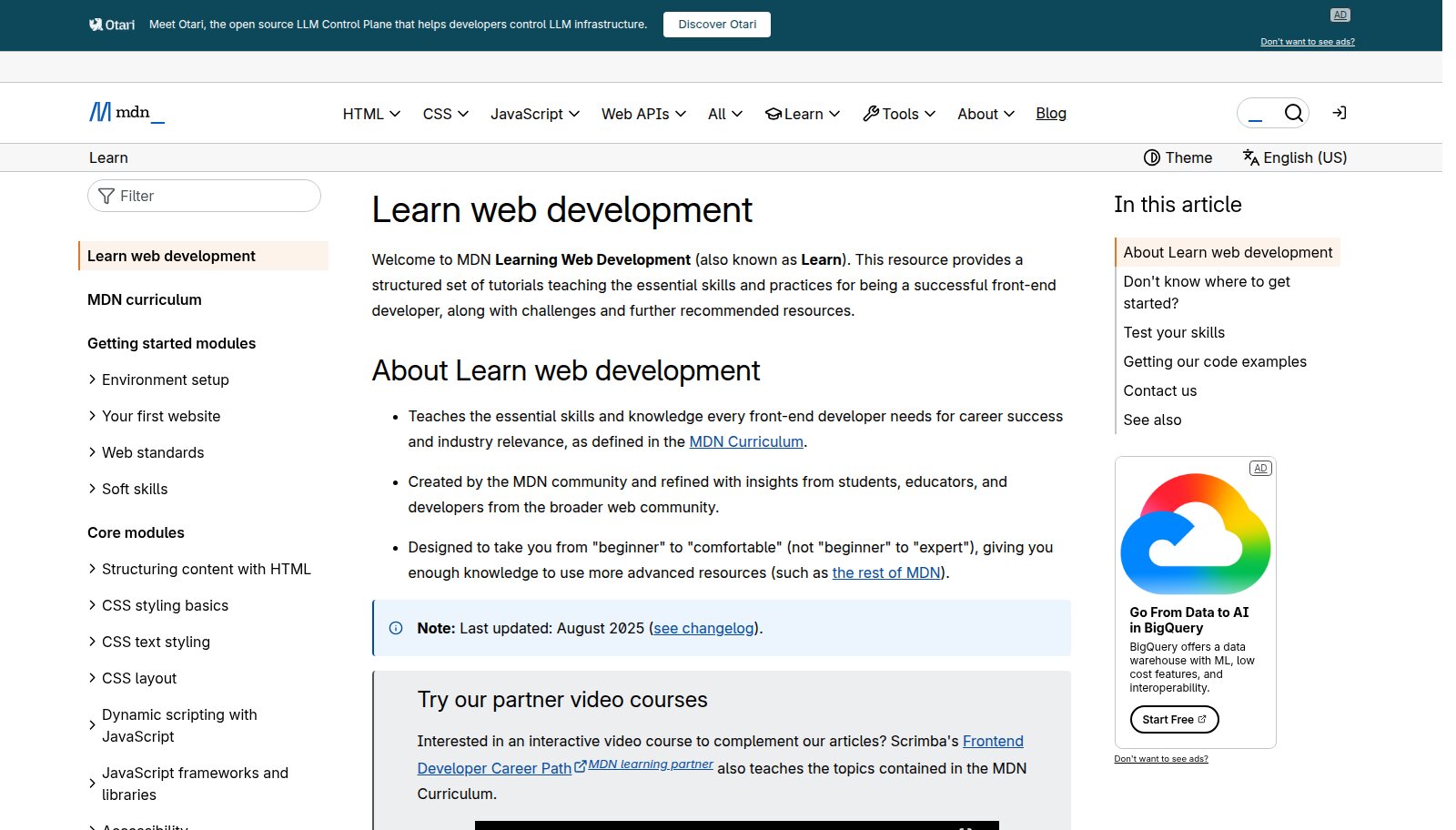
MDN's Learn web development: free, structured, and written by the people who document the web. Image: developer.mozilla.org.
Stage 2: Learn Figma Properly
Once you understand the web, Figma will make much more sense, because its best features mirror CSS. Auto layout is flexbox. Constraints are responsive behaviour. Variables are design tokens.
Focus on:
- Frames and constraints: how things resize.
- Auto layout: the single most important Figma skill. Learn it until it is second nature.
- Components and variants: building reusable pieces with states.
- Variables and styles: colour, type and spacing as a system.
- Prototyping: enough to demonstrate a flow.
Stage 3: Learn the Craft
Tools are the easy part. The craft is what makes people hire you:
- Design principles: proximity, alignment, hierarchy, contrast, repetition and white space. I cover them in The Design Principles I Return to on Every Project.
- Typography: choosing typefaces, building a type scale, line height and line length. Start with Picking Fonts for the Web.
- Spacing: a consistent scale, and the confidence to use generous space. See Less Is More.
- Colour and contrast: small palettes, clear roles, accessible contrast.
- Building UIs from real content: design with real words and real data, never lorem ipsum.
The best exercise here is still the oldest: recreate interfaces you admire, pixel for pixel, then explain to yourself why every decision was made.
Stage 4: Learn the Leverage
This is the stage that did not exist a few years ago, and it is where a new designer can leap ahead of people with far more experience.
Claude and coding agents
Learn to work with an AI agent such as Claude Code as a collaborator: describe what you want, review what it builds, and direct the changes. Because you learned HTML and CSS in Stage 1, you can actually judge the output. This is the skill that lets one designer ship what used to take a team.
Figma MCP
Figma's MCP server connects AI agents directly to your Figma files. An agent can read your frames, components and variables and generate code that matches them, and it can even create and edit native Figma content. Clean auto layout and well-named components are no longer just good hygiene; they are what makes the agent's output accurate.
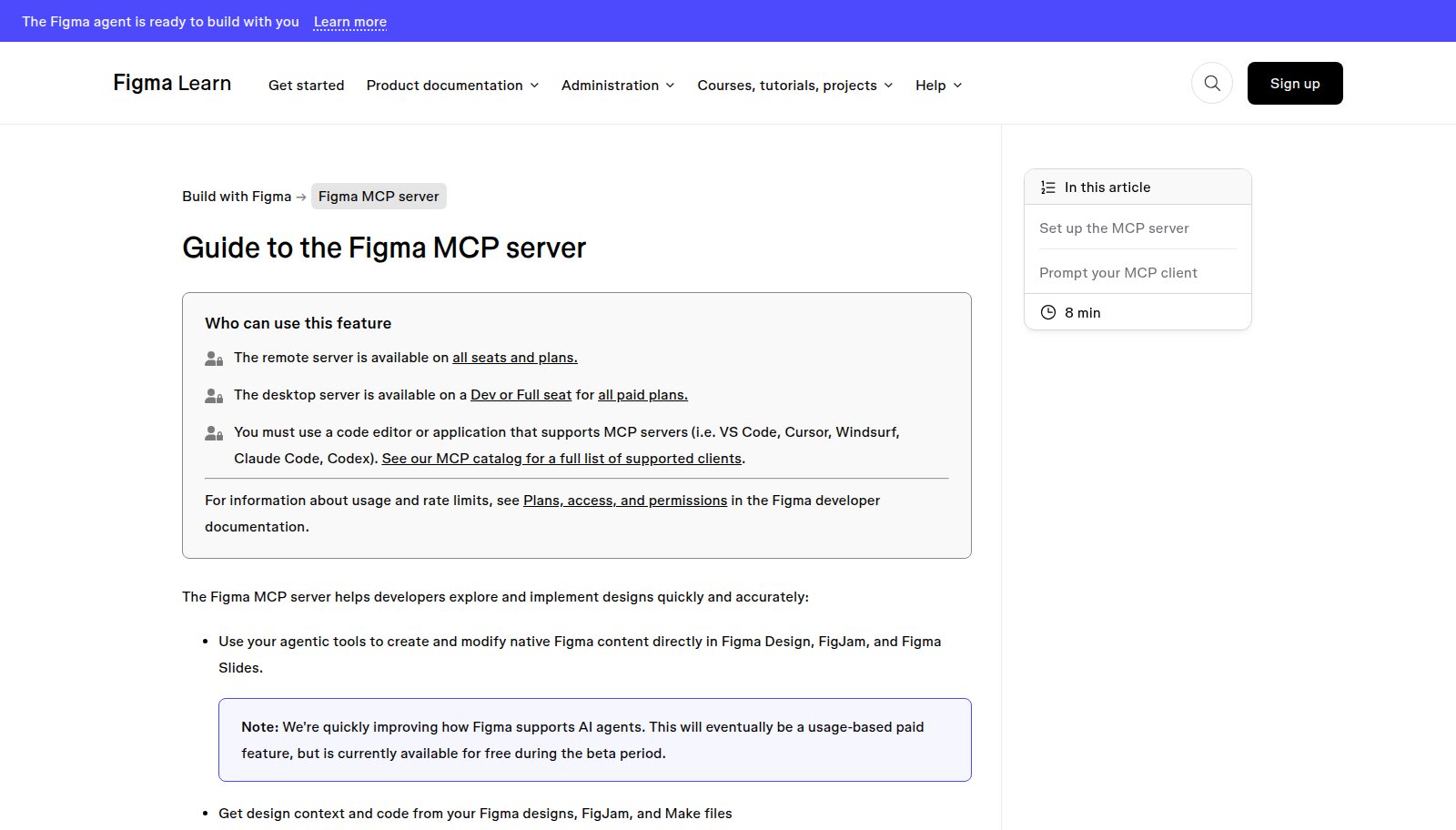
Figma's guide to the MCP server, which connects agents like Claude Code to your design files. Image: help.figma.com.
DESIGN.md files and inspiration sites
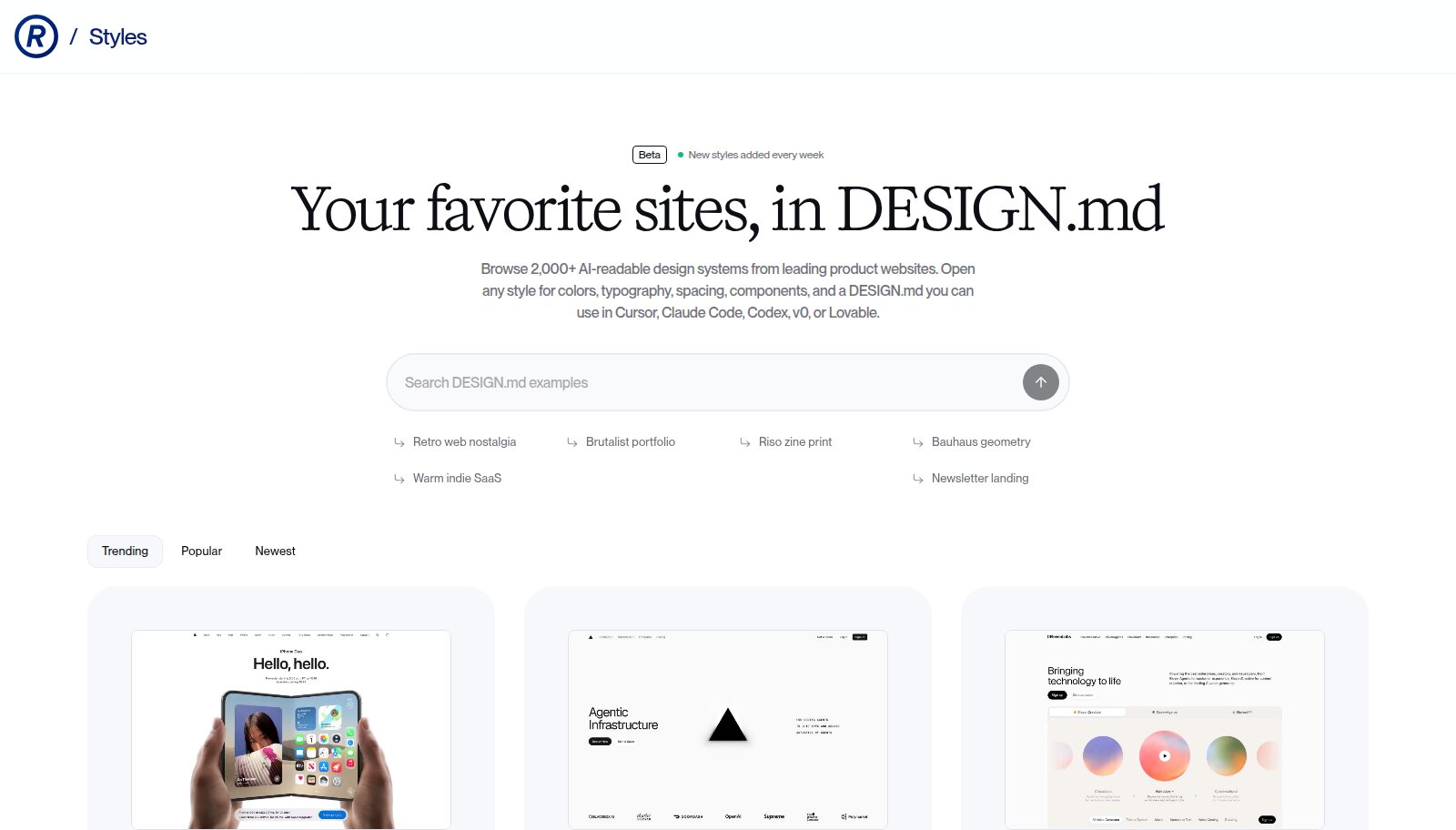
Learn to study the websites you admire on Refero, Curated and similar libraries, then have an agent distil the styles you like into a DESIGN.md: a written design system any model can follow. Combine several references, edit the result until it is yours, and build something new with it. Good artists have always studied other people's work; the tools just made it faster. I explain the full process, and where the ethical lines are, in Reverse Engineering Interfaces in the Age of Agents.
Designing for agents as well as people
In the near future, many visits to a website will come from agents acting for people. Learn what that means for structure, accessibility and content. See Designing for Agents.
Learn the material, then the tool, then the craft, then the leverage. Skip the first and you cannot judge the last.
The Projects to Take On
A portfolio of three real, finished projects beats ten concept apps. These are the ones I would prioritise:
- Your own website, built by you. Designed in Figma, built in code (with AI help), live on your own domain. It proves every stage of this roadmap in one place.
- A redesign of something real and local. A small business, a charity, a community group. Real constraints, real stakeholders and a before-and-after you can measure.
- A small design system. Type scale, colour tokens, spacing, ten core components, documented in Figma and in a DESIGN.md. It shows you think in systems.
- A product you ship end to end. A tiny app or tool that solves one problem you have. Shipping teaches things no tutorial can.
- A teardown. Pick a well-known product and write a clear, illustrated analysis of what works and what does not. It shows how you think, which is what hiring managers really want to see.
For each one, write a short case study: the problem, your decisions, what you would change. The process matters as much as the final screens.
The Bar Has Moved, and That Is Your Opportunity
A few years ago, a clean, well-designed website was a competitive advantage. Today it is the minimum. The tools are so good that a cluttered, confusing site now reads as neglect. For the many humans who will keep visiting websites, whatever the agents are doing, that expectation will only rise.
That is the opportunity for new designers. The people who understand the material, have real taste, and can direct AI tools will be able to create better experiences, faster, than any generation before them. Start with the fundamentals, add the leverage, and build things people can actually use.